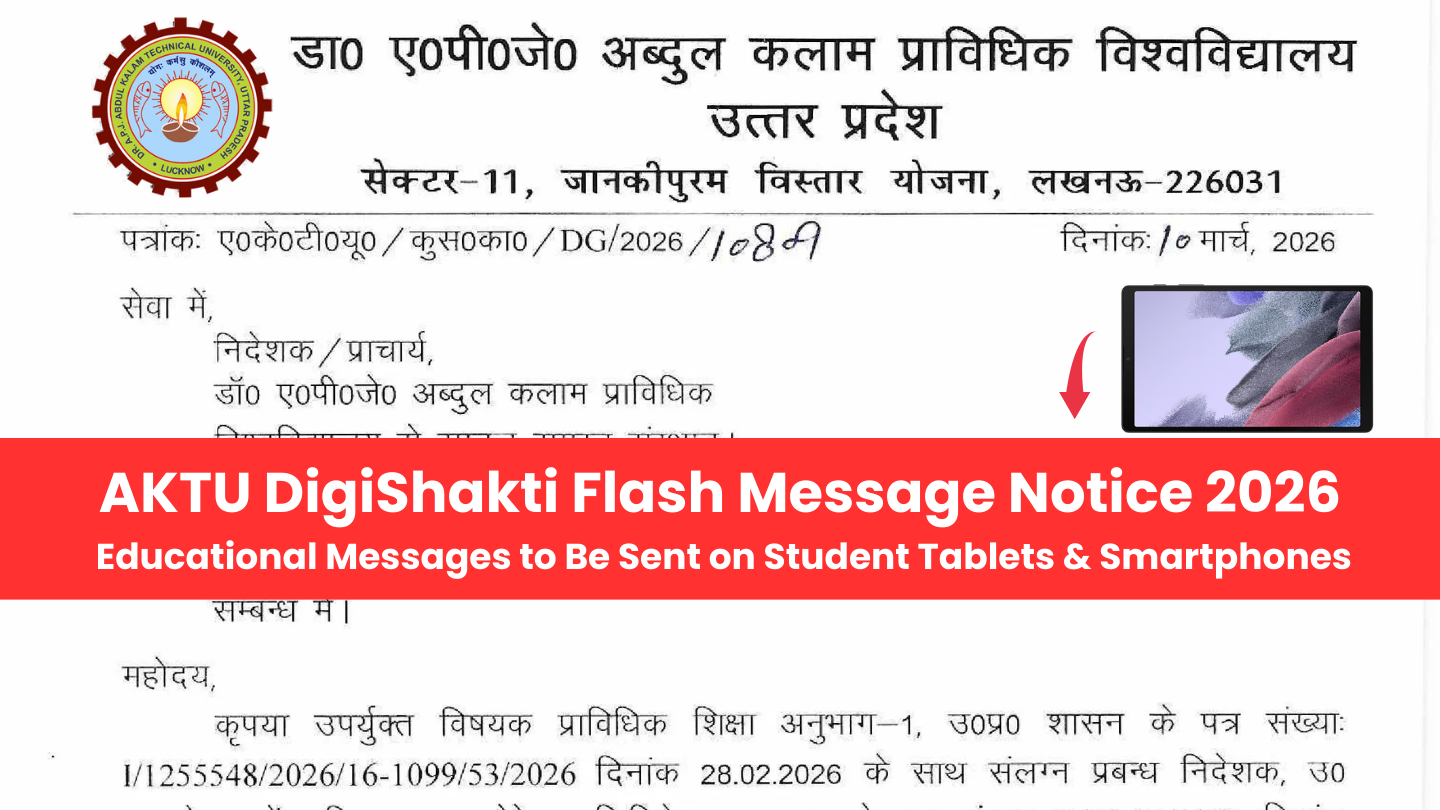
AKTU DigiShakti Flash Message Notice 2026: Dr. APJ Abdul Kalam Technical University (AKTU), Uttar Pradesh, has issued an important notification regarding the DigiShakti Portal. According to the notice dated 10 March 2026, educational departments and universities can now send educational flash messages directly to students’ tablets and smartphones distributed under the Swami Vivekananda Yuva Sashaktikaran Yojana.
This new initiative aims to strengthen digital communication between the government, universities, and students by delivering important academic information directly to their devices.
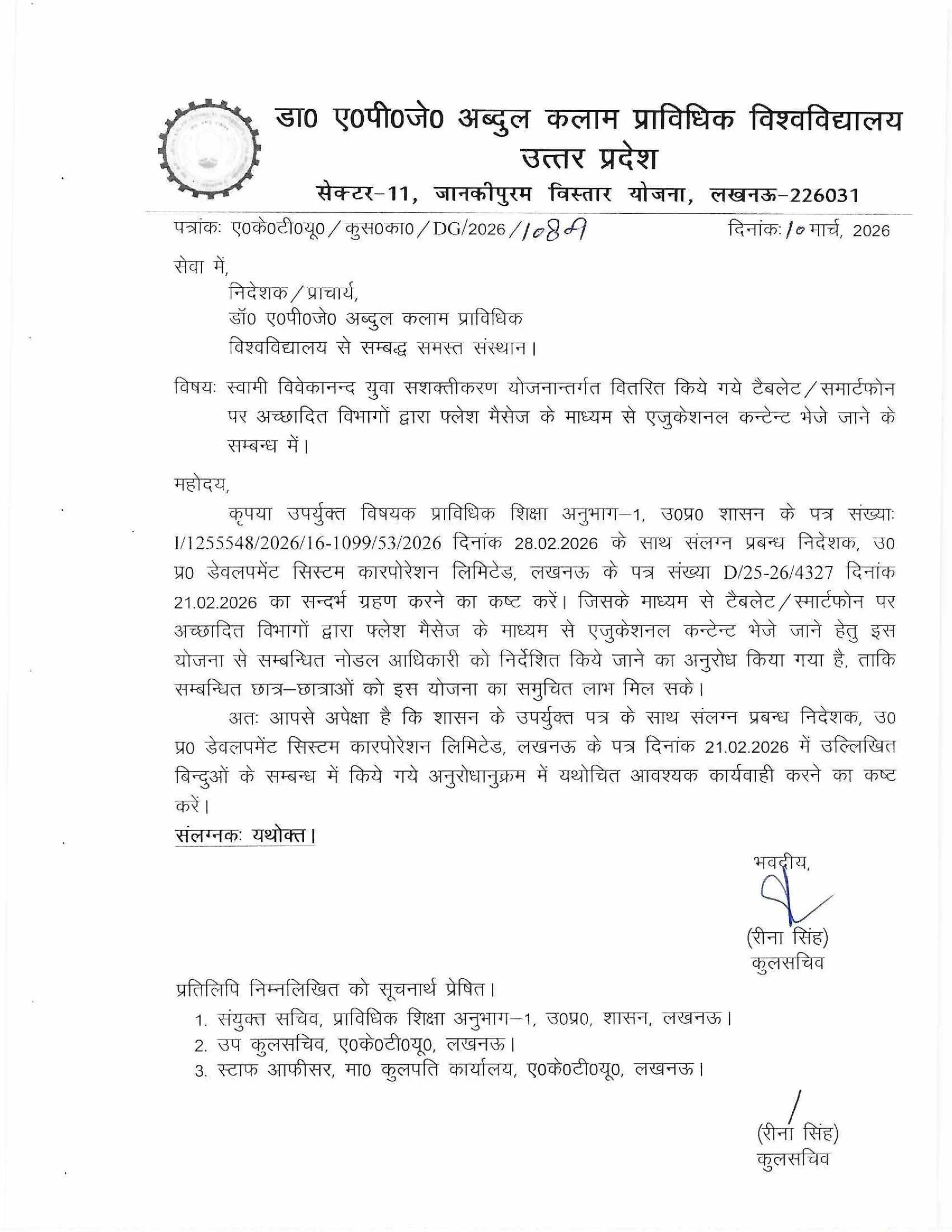
AKTU DigiShakti Flash Message Notice 2026 – Overview
| Particular | Details |
|---|---|
| University | Dr. APJ Abdul Kalam Technical University (AKTU) |
| Notice Date | 10 March 2026 |
| Scheme | Swami Vivekananda Yuva Sashaktikaran Yojana |
| Platform | DigiShakti Portal |
| Purpose | Sending educational flash messages to students |
| Devices | Tablets and Smartphones distributed to students |
What is the DigiShakti Portal?
The DigiShakti Portal is an online platform launched by the Uttar Pradesh Government to manage the distribution of digital devices such as tablets and smartphones to students studying in higher education institutions.
Under this system, students receive devices to support digital learning and online education. Now, the government has expanded the portal’s functionality to allow departments to send educational flash messages directly to student devices.
These flash messages may include:
- Academic announcements
- Educational content
- Government schemes for students
- Career guidance information
- Important university notices
Purpose of the Flash Message System
The main objective of introducing the flash message system is to ensure that students receive important educational updates instantly on their tablets and smartphones.
This initiative will help students stay informed about:
- Academic opportunities
- Government programs
- Internship and job updates
- Digital education resources
- University notices
How Departments Send Flash Messages Through DigiShakti Portal
The government has also released a User Manual for Sending Flash Messages through the DigiShakti portal. The process is explained step-by-step below.
Step 1: Login to the DigiShakti Portal
The Department Nodal Officer must first log in to the DigiShakti portal using official credentials.
Portal Link:
https://digishaktiup.in/app
Login credentials include:
- Department User ID
- Password
- Captcha verification
Step 2: Go to the Transactions Tab
After logging in, the officer must navigate to the Transactions section on the dashboard.
Inside this section, the option “Send Flash Message” will be available.
Step 3: Click on “Send Message”
Next, the officer needs to click the Send Message button.
This action will open the Flash Message Form where the required details must be filled.
Step 4: Fill the Flash Message Form
In the flash message form, the following information needs to be entered:
- Department Name
- University / Institution
- Course or Category
- Message Type
- Title of the Message
- Message Content
- URL or reference link (optional)
The message written here will be sent to students as an educational notification.
Step 5: Click on Send Button
After filling in all required information, the officer must click the Send button.
Once submitted successfully, the message will be delivered to the students’ devices.
Step 6: Message Delivery Confirmation
After sending the message, the sender can verify the delivery by checking the View Message column in the dashboard.
This section allows departments to track and view previously sent flash messages.
Number of Messages Already Sent
According to the official report included in the notice, several departments have already started using the DigiShakti system.
Currently, a total of 3877 flash messages have been sent through the DigiShakti portal to students across different departments and universities.
Benefits of DigiShakti Flash Messages for Students
This new feature provides several advantages for students:
✔ Instant updates on tablets and smartphones
✔ Quick access to educational information
✔ Awareness of government schemes
✔ Notifications about academic activities
✔ Career and internship opportunities
By using this system, universities and departments can communicate more effectively with students.
Official DigiShakti Portal Link
Students and departments can access the portal using the following link:
DigiShakti Portal:
https://digishaktiup.in/app
Conclusion
The AKTU DigiShakti Flash Message Notice 2026 introduces an efficient digital communication system for students in Uttar Pradesh. Through the DigiShakti portal, educational departments can now send flash messages containing academic updates, government schemes, and important information directly to students’ tablets and smartphones.
This initiative supports the government’s vision of strengthening digital education and improving information accessibility for students.
also read : AKTU Placement Portal Notice 2026: Colleges Must Update Director & TPO Details Before 15 March
FAQs
What is DigiShakti Flash Message?
DigiShakti Flash Message is a notification system that allows departments to send educational messages directly to students’ tablets and smartphones.
Who can send flash messages through DigiShakti?
Only authorized departmental nodal officers and universities can send messages through the DigiShakti portal.
Which students will receive these messages?
Students who have received tablets or smartphones under the Swami Vivekananda Yuva Sashaktikaran Scheme will receive these messages.